> For the complete documentation index, see [llms.txt](https://guide.pawnfi.com/llms.txt). Markdown versions of documentation pages are available by appending `.md` to page URLs; this page is available as [Markdown](https://guide.pawnfi.com/loan/how-to-leverage-your-nft.md).
# How to leverage your NFT
In Pawnfi Protocol, every user can easily collateralize his/ her NFT and borrow out P-Token without any liquidity limit. Loan amount is always set as 1,000 P-Token/ per NFT.
Please see [this doc](https://docs.pawnfi.com/getting-started/understanding-pawnfi/pawnfi-modules/p-token) for more information on P-Token.
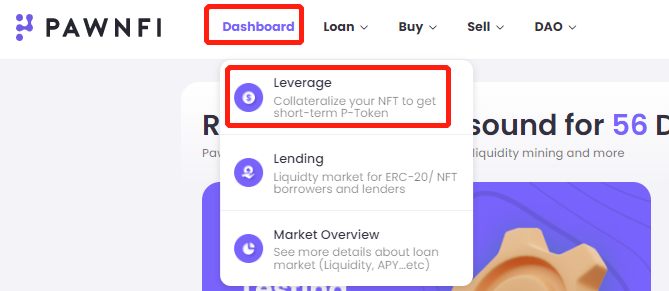
### 1. Loan -> Leverage
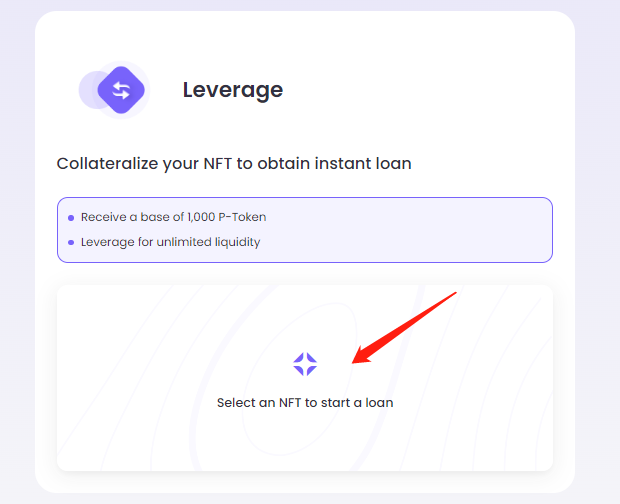
### 2. Select an NFT
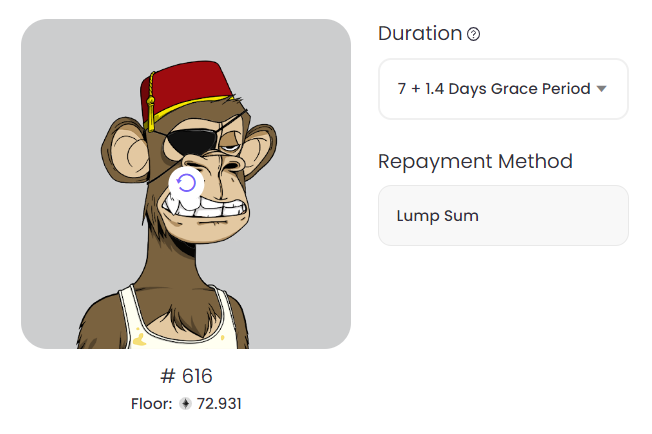
### 3. Select Duration
* Duration: Loan period
* Grace period: It is an extra repayment period. NFT will be liquidated when grace period ends.
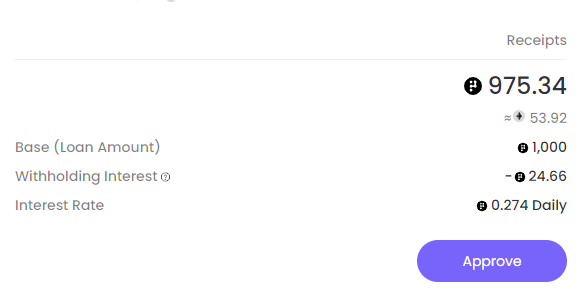
### 4. Confirm parameters -> Approve -> Submit transaction
Based on your loan duration and interest rate, withholding interest will be deducted from loan amount.
{% hint style="info" %}
Interest = 0.274 P-Token per day (10% APR)
{% endhint %}
After confirming all the information, click \[Approve] button to approve the transaction. After approval, click \[Submit] button to initiate transaction.
### 5. How to repay?
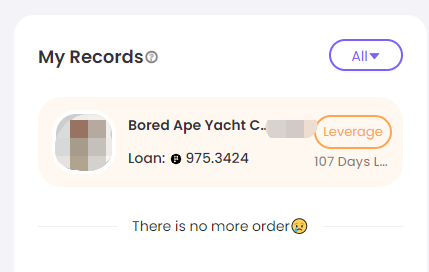
You can access to \[Dashboard] and find \[My Records] to review the loan status.
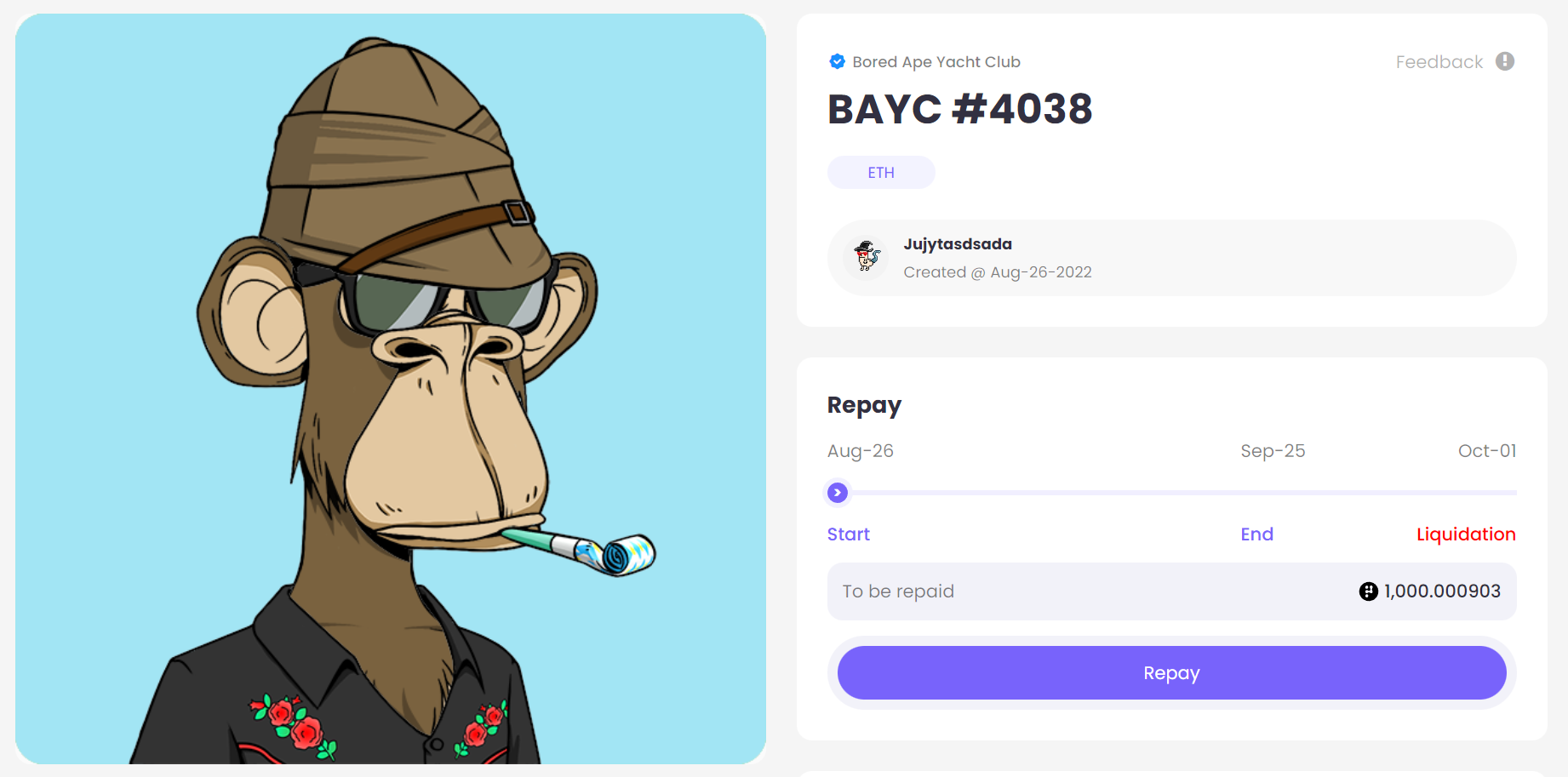
In the detail page, you will be able to see all information of this order. Click \[Approve] to authorize repayment. After approval, click \[Repay] to initiate transaction. You can redeem your NFT after repaying your loan along with the interest accrued during the period.